
An icon instead of a terminal
Every guide to this engine starts with the same sentence: open Terminal, go to your site's folder and type ./blog.sh. For somebody who lives in a terminal, that is one sentence. For somebody who does not, it is three things to get wrong before the first word is written — where Terminal is, what "go to the folder" means, and why the command starts with a dot and a slash.
1.10 turns that sentence into something that can be double-clicked.
What the wizard offers
./setup.sh on a Mac ends with one more question:
Put an icon in Applications that opens this blog with a double-click?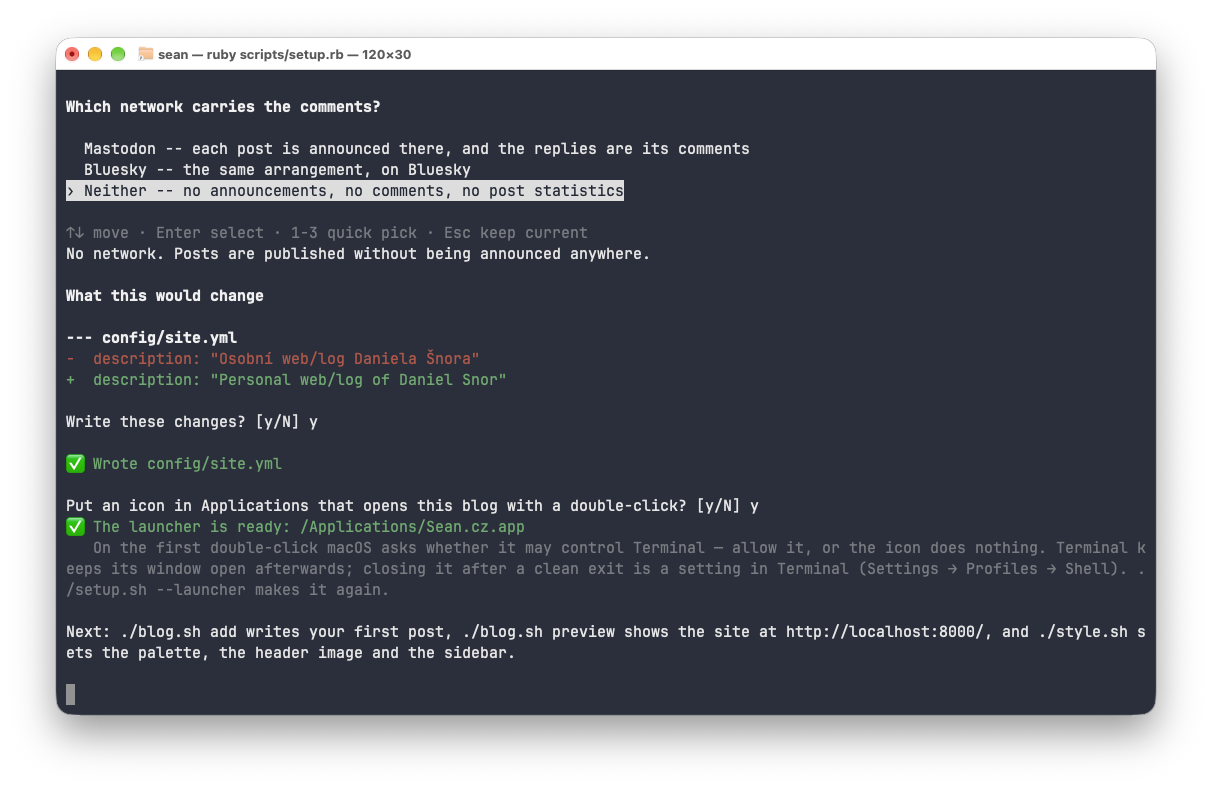
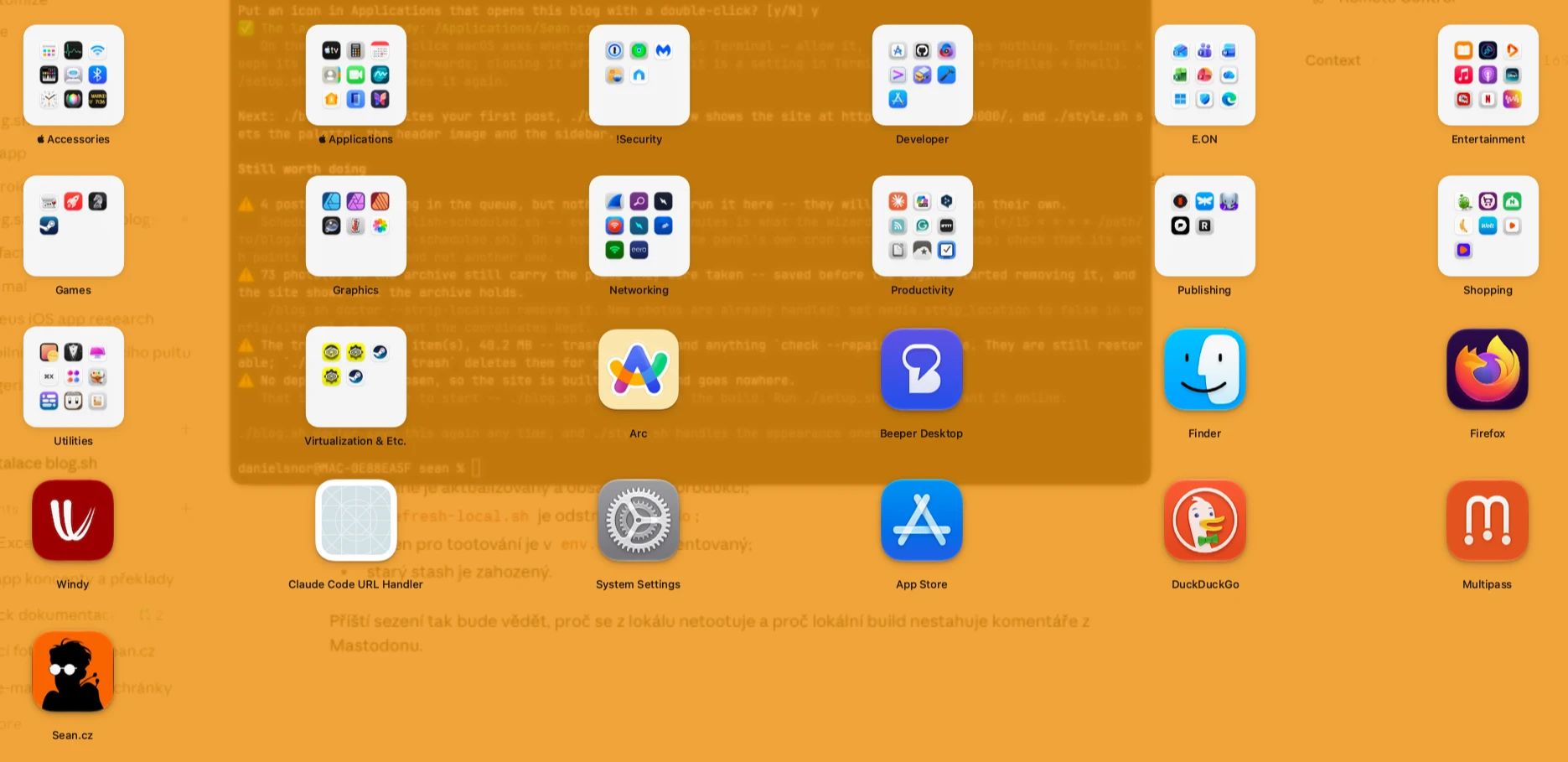
Enter means no — saying yes writes something outside the site's folder, and the wizard will not take that on itself. After a yes, an icon appears in Applications, named after the site and wearing its favicon. Double-clicking it opens Terminal in the site's folder and runs ./blog.sh there. Nothing more: the launcher has no window of its own and can do nothing ./blog.sh cannot. Whoever did not make one straight away, or whose site folder has moved since, runs ./setup.sh --launcher — the folder is written into the launcher, so a site that moved wants its launcher made again, and it is the same command.
What it is made of
Of what a Mac already has. osacompile turns a few lines of AppleScript into an application, sips and iconutil make an icon out of the site's favicon in five sizes, each for plain and Retina displays, and codesign seals the bundle again, because writing into it broke the seal the compiler gave it. Nothing is installed and nothing is downloaded. The launcher goes to /Applications, or to ~/Applications for an account that may not write there.
An application of the same name that blog.sh did not make is never replaced. Neither is another site's launcher that happens to share the name — two sites nobody has named yet are both called "blog.sh"; the wizard says so and suggests giving one of them its own site.short_name.
Two things that are macOS's, not the engine's
The first double-click brings up a question: may this application control Terminal? macOS asks it, and asks once; a no means the icon does nothing until it is allowed in System Settings. What the engine can shape is the sentence under the question. Out of the box macOS puts an English sentence there about nothing in particular; the launcher puts in one sentence in the site's language:
The launcher opens Terminal in your blog's folder and runs ./blog.sh there. It does nothing else.The second thing: Terminal leaves the window open when ./blog.sh ends, and says the process has finished. Whether it should close instead is a Terminal setting (Settings → Profiles → Shell), not the engine's. The wizard says both.
Two windows
The first version opened two windows. A Terminal that was not running opens a window of its own when it starts, and the "run this script" command added a second one: an empty window and the blog, on every double-click, for exactly the author the launcher is for — the one with no Terminal open. Now the launcher first asks whether Terminal is running, and on a cold start runs ./blog.sh in the window Terminal opened for itself. A Terminal that was already running gets a new window, as before.
The test suite holds that script line by line, and the two things the fix stands on. What it cannot check is the double-click itself: what Terminal does and what macOS asks have to be tried by hand, both ways, with Terminal closed and with it running.
Who it is for
Nobody who reads this site for how the engine holds its lock or how translations are versioned. Those for whom that first sentence of the guide was three things to get wrong. Anywhere but a Mac the question is not asked; on Linux the terminal stays. And the launcher is the first part of something larger: a series for authors who do not live in a terminal starts exactly where this icon ends — at the first post.
Comments