The apps: the terminal's menu, without the terminal
A blog on ./blog.sh lives on a server and is talked to in a terminal. That is still true. But it no longer has to be the only way in. With a phone in your hand a terminal is less comfortable than at a computer, and that is why there are apps, and not one: for Android, for iPhone, iPad and Mac, and for a computer with Windows or Linux. All three speak to the same engine and offer the same work; where a platform differs, the difference is small and deliberate. This text goes through what they do.
What the app is
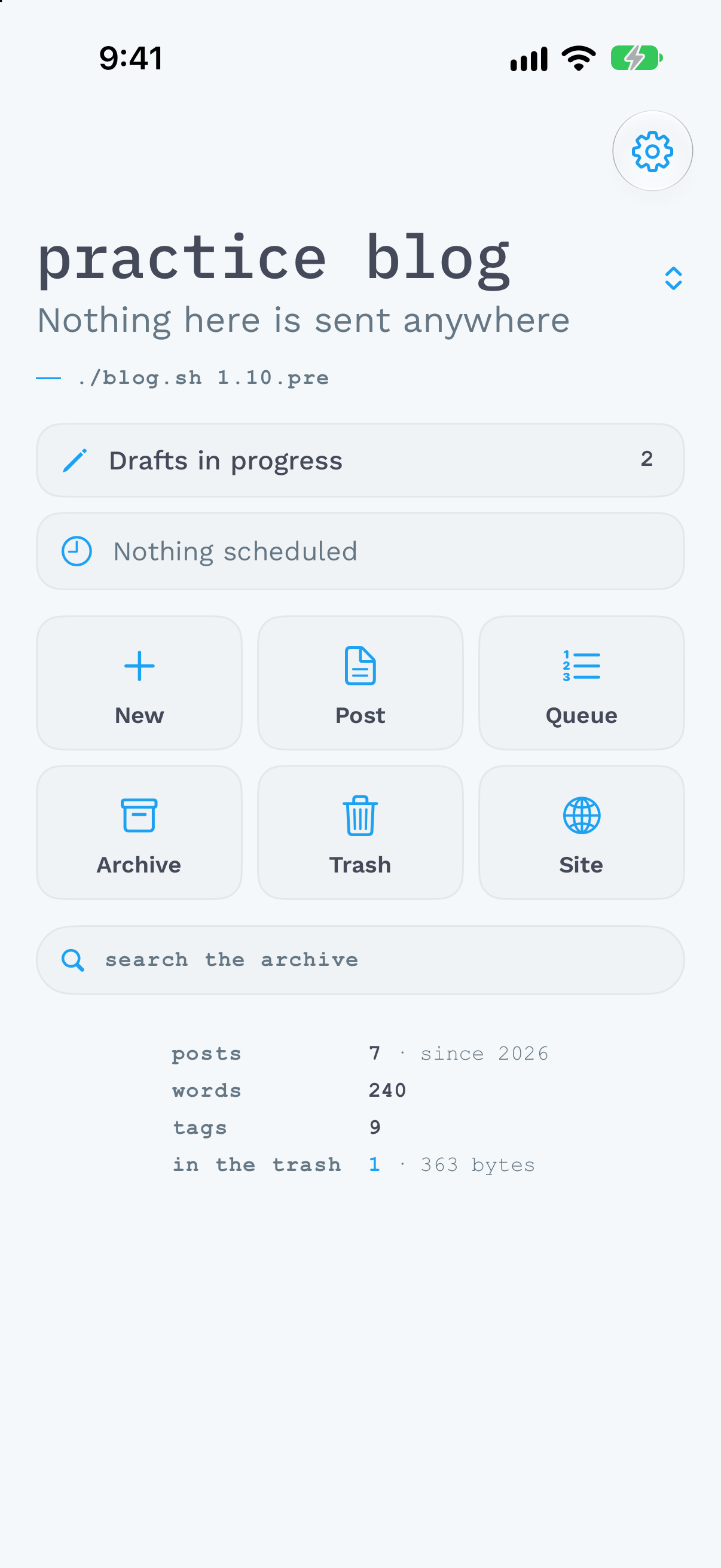
The app reimplements nothing of the engine. It opens an SSH connection to the machine the blog lives on, runs there the same commands you type in the terminal, only with --json at the end, and draws the answers. The archive, the build and the deploy stay on the server. That is why the app has the same menu as ./blog.sh, entry for entry: a new post, posts, the queue of scheduled posts, the archive, the trash and the site.
It needs engine 1.10 or newer. On 1.11 and 1.11.1 it runs unchanged.
Connecting with a code
With a code, nobody types an address, an account or a key. On the server you run ./blog.sh pair, and it shows a code: a picture, and under it the same code as a line of text. A phone reads the picture with its camera; on a computer you paste the line into a field. The app asks whether to connect, and that is it.
The key the app works with is made on the device and never leaves it. The server writes down only its public half, and with a forced command: the key may run only the engine's commands for one blog and deliver files into its incoming/. It never gets a shell. The code on the screen is good for ten minutes and opens nothing once it has been used.
Whoever wants to look the app over first, with no server, will find a practice blog in it with seven posts. Nothing is written to it and nothing leaves it. Every picture in this text is of it.
The first screen
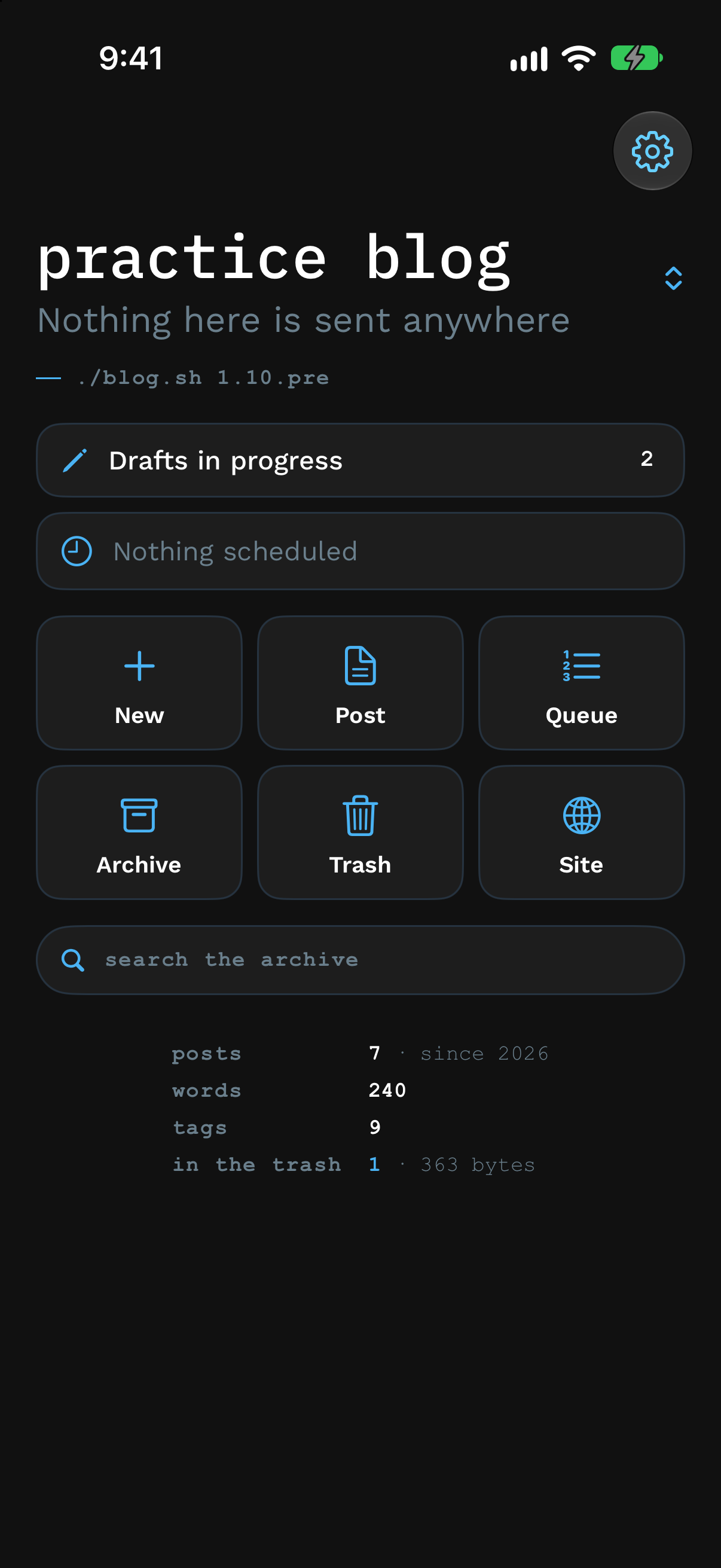
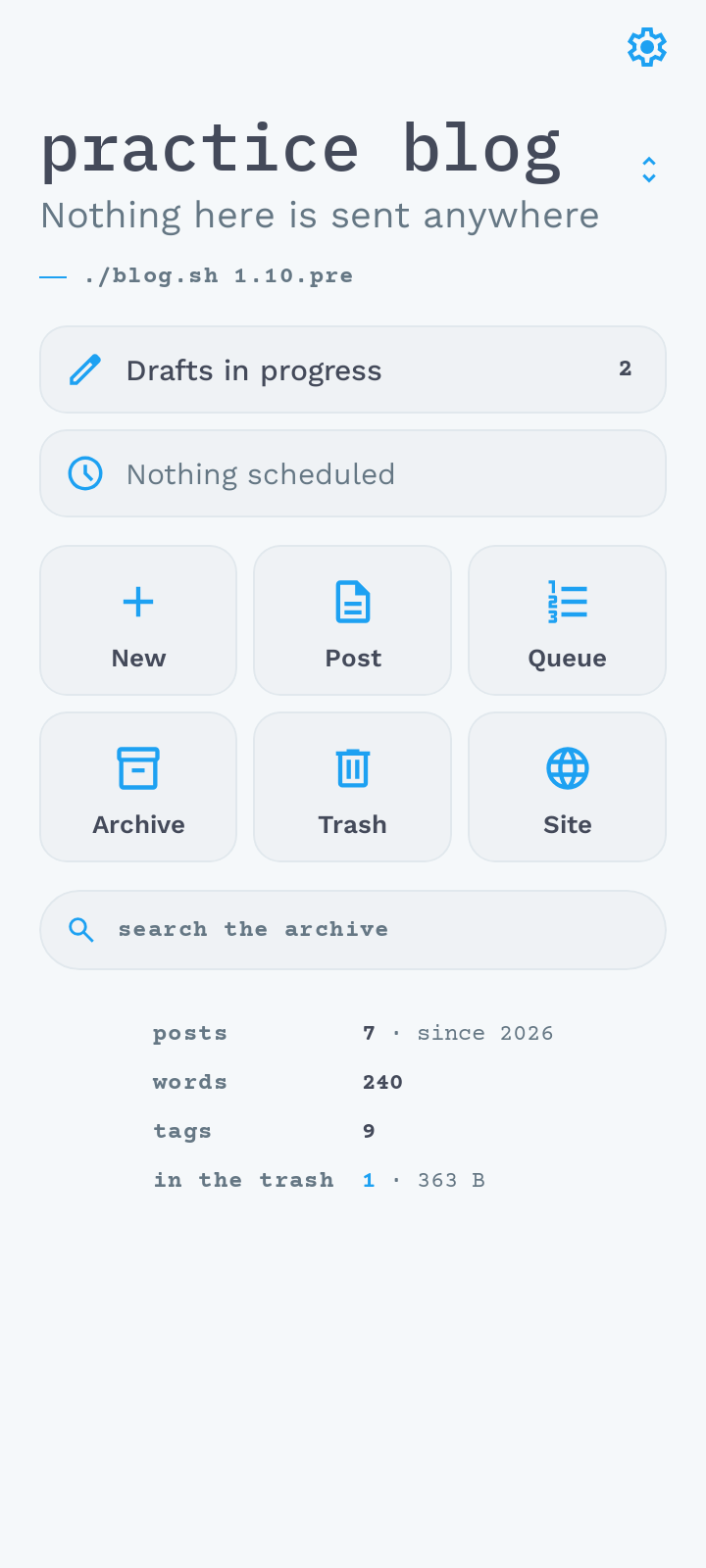
At the top, the blog's name and its favicon. Under them, everything that is waiting for you: first the drafts in progress, then what was begun on the device and not finished, and last the queue of scheduled posts. The queue is last because it goes out by itself and needs no one to step in. Then the six entries of the menu, the search through the archive and the blog in numbers: posts, words, tags, and what is in the trash.
There can be more than one blog. The name at the top is the switch: tap it and pick another blog, each with its own server and its own key. With the blog changes everything the screen wears: the name, the favicon and the colours.
Writing
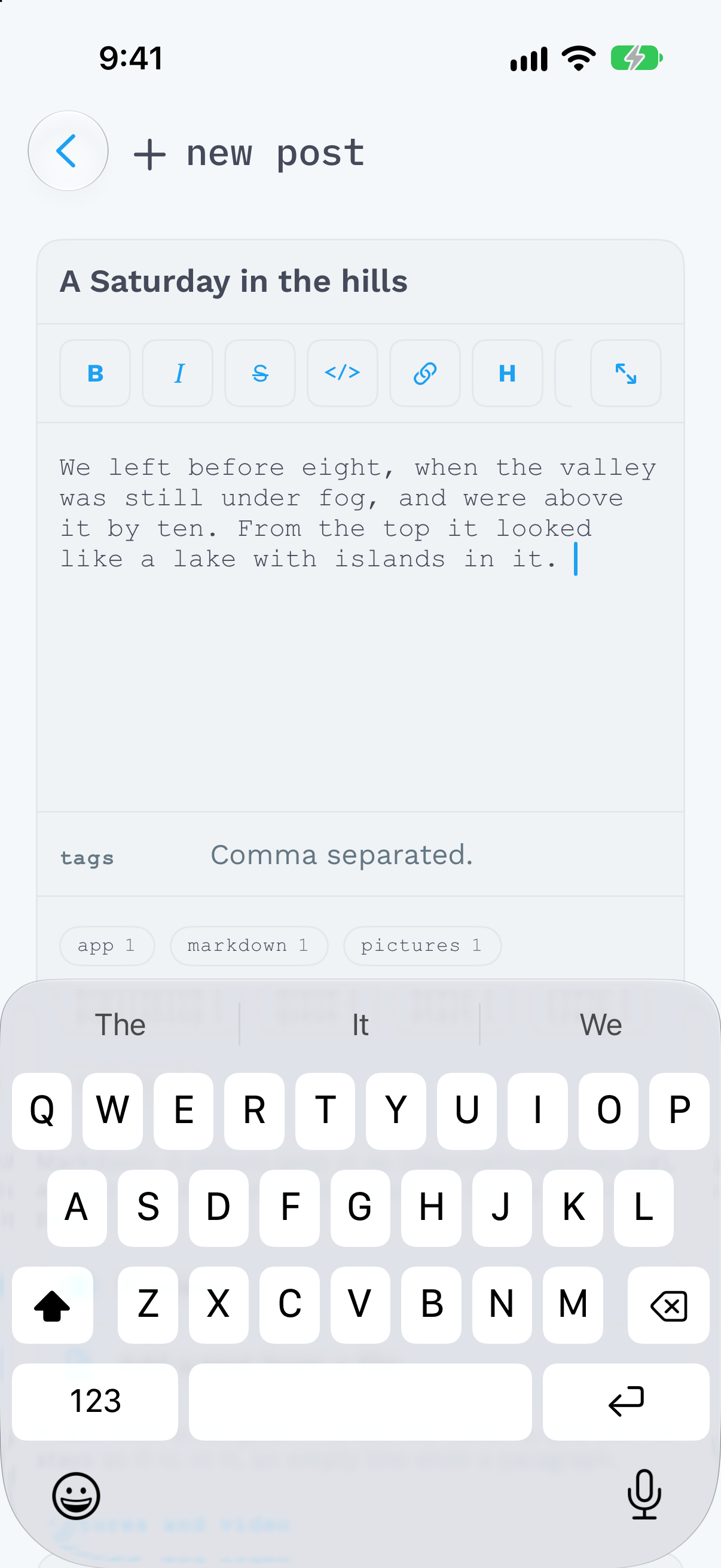
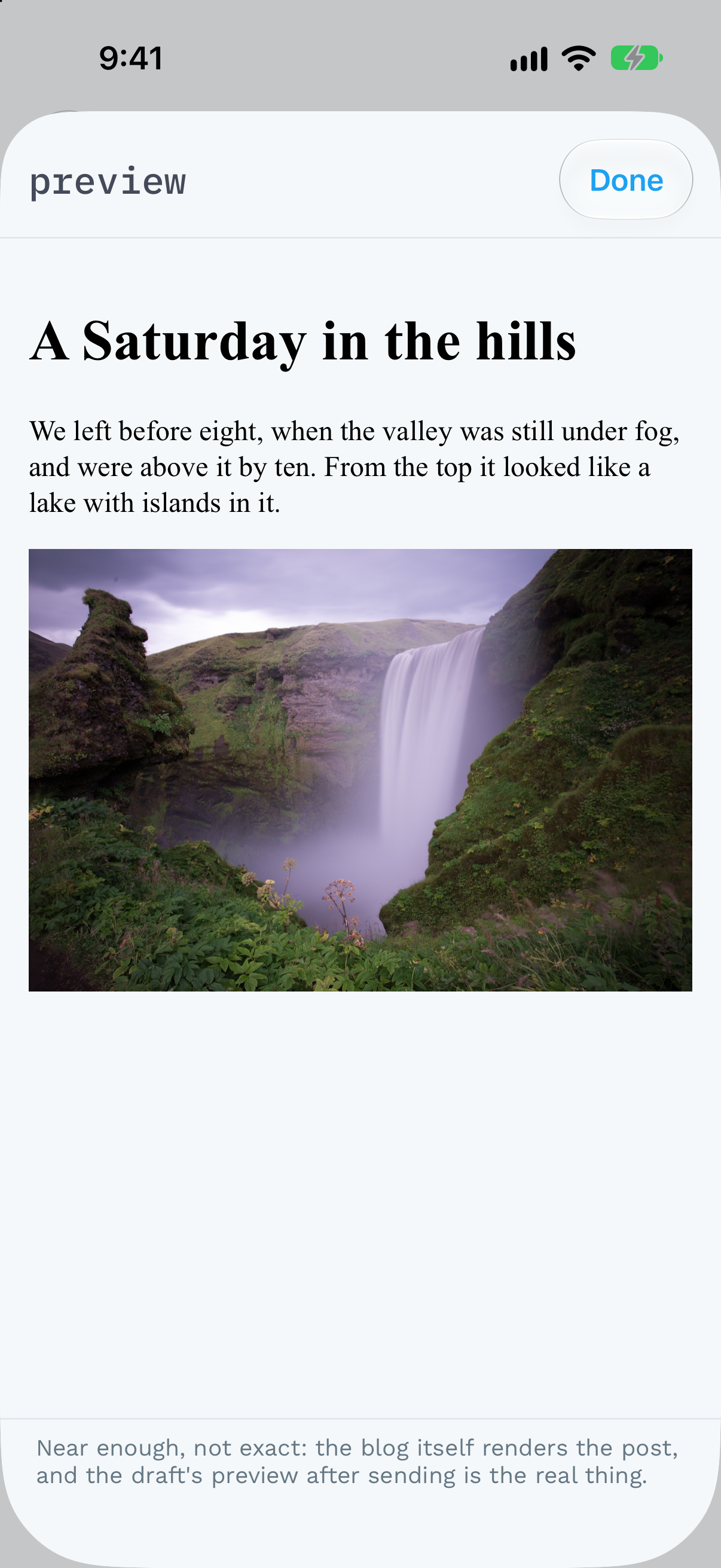
A new post is a title, the text and the tags. Over the text is the row of marks the /write/ page offered: bold, italics, strikethrough, code, a link. One key opens the text over the whole screen, another shows a preview. The preview is the post as the blog will show it, in the blog's own styles, a gallery of pictures and the //--more--// line included.
Photographs and videos are added from the library or from files. Every picture has a card with its description, and the description can be written on the card or in the text; the other place follows by itself. On the way, a picture is shrunk to 2560 px on its long edge and saved as JPEG, even when it was HEIC. A video is converted to H.264 at 720p, which every browser plays. Neither carries where it was taken. The form says beforehand how much is going to travel, and sends nothing the server would refuse.
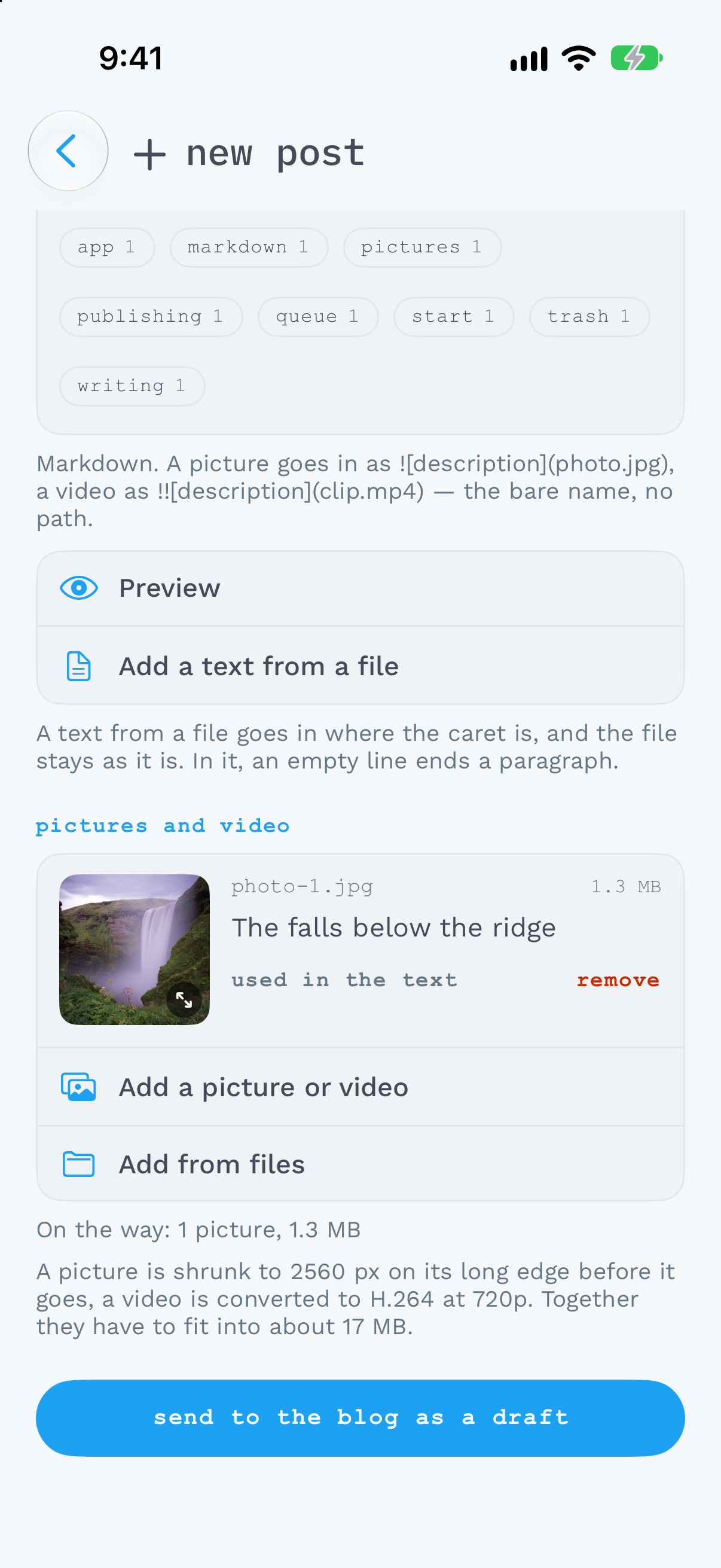
A finished post goes as a draft. You can publish it from the app right away, or schedule it into the queue.
Nothing is lost
What you write is kept on the device at every letter. Leaving the form deletes nothing, and neither does the system when it closes the app in the background. When you open the form next time, the text is in it, with a line that says it was brought back.
When the server does not answer, the app says so and dims what needs the server. Writing does not need it. A finished post is kept on the device, pictures and all, and goes by itself as soon as the server is heard from: when the phone gets a network, when you bring the app back to the front, or on the next try the app makes by itself. It goes as a draft, and it says so on the first screen, so that it does not look like a post lost.
What waits lives on the device until it is sent. There is no copy of it anywhere else, so deleting the app or resetting the device takes it with them.
Everything else on the menu
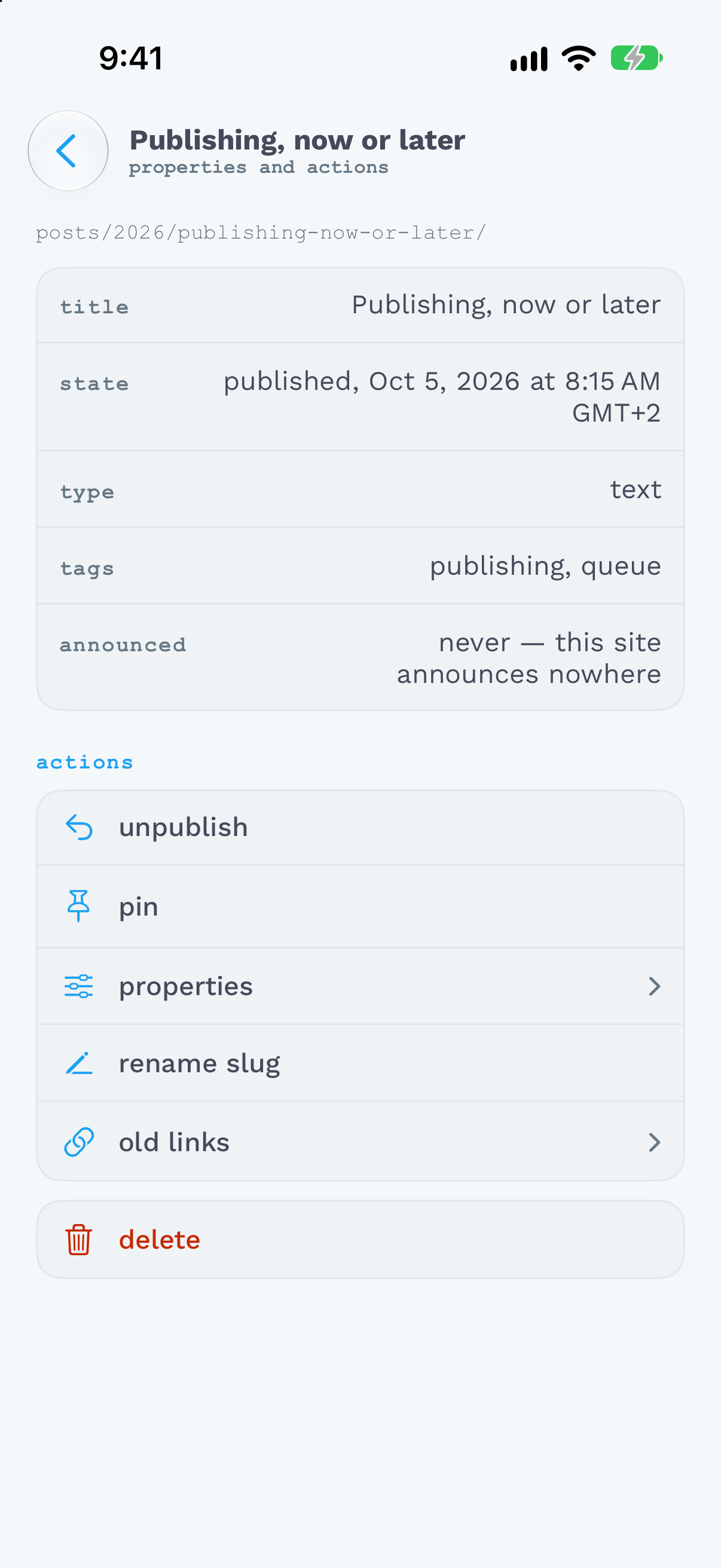
Posts shows the last fifty. A tap opens the post's crossroads: what it is, how it begins, and under that its text, the site's languages, and its properties with every key the terminal has. Publish, unpublish, pin, rename, change its tags or its type, delete.
The queue orders scheduled posts by the time they go out. A row can be moved up and down, dragged to another place, published now, rescheduled or taken out of the queue.
The archive has a search and filters by type, state and tag, which stay at the top however deep into the archive you are.
The trash brings deleted posts back and can empty itself and remove old versions, both said in numbers and asked before they are done.
The site builds and deploys, and under that shows check across the archive and doctor across the installation, problems first, each with advice. A finding about a post leads straight to that post.
When a change needs a new build, a pin or a rename for instance, the app builds the site itself and says so in a line at the bottom of the screen. It asks nothing.
How it looks
The app wears the open blog's colours, by day and by night: the engine sends them with its version, so the blog looks in the app as it does on the web. In the settings you can pick the app's default colours instead, or five colours of your own for the day and five for the night. The type can go one to four steps above the system's size. The app speaks English, Czech and German, as the system does or as the settings say.
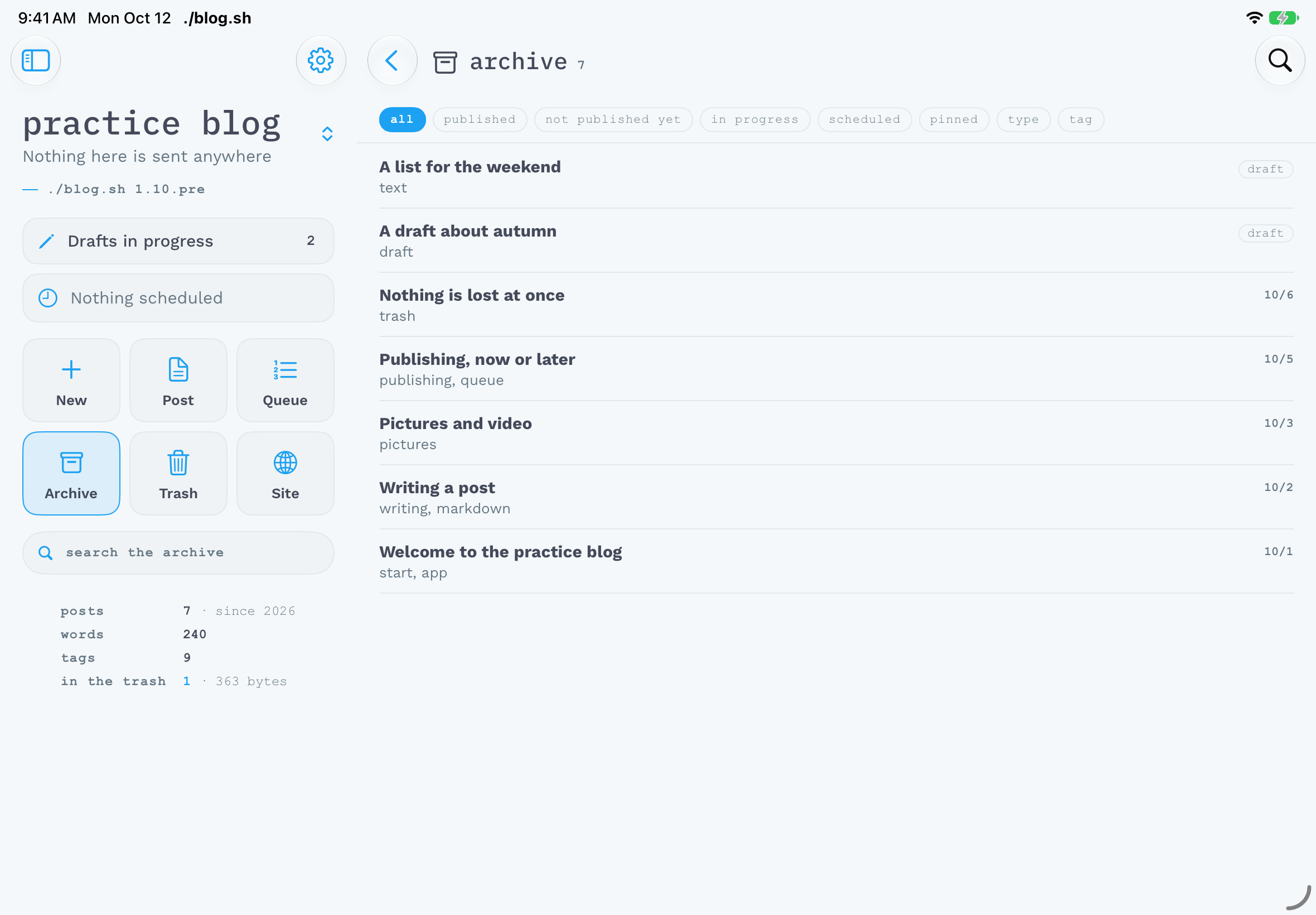
On a tablet the screens share the display: held sideways, the menu is on the left and the open screen beside it; held upright, there is one screen, large.
Three apps
Android is out: blog.sh for Android, version 0.8.1, as a signed APK on the releases page. It needs Android 10 or newer. It is installed by hand, not from a store, and every later release is installed straight over the one before; the blogs, the keys and the posts being written stay.
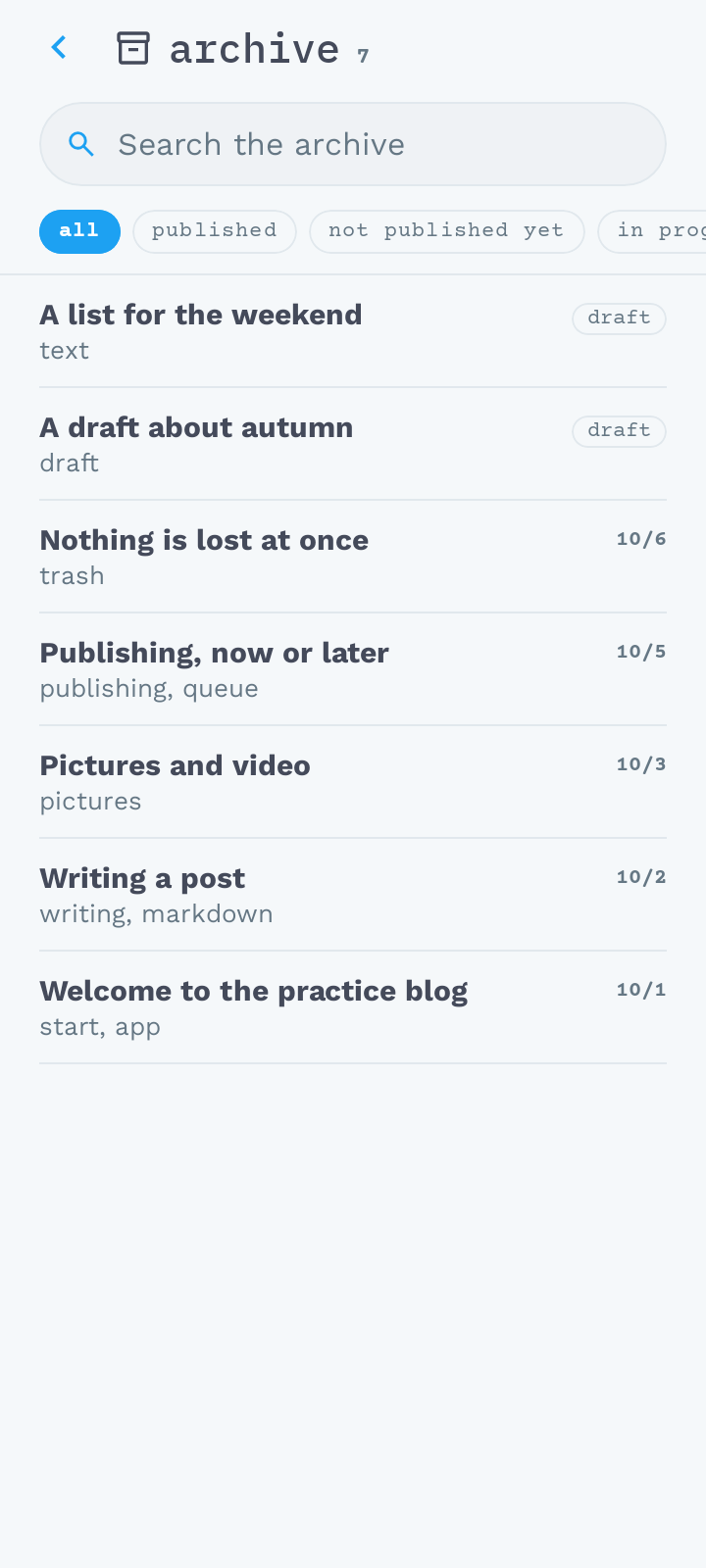
Windows and Linux have a first version to try: blog.sh for Windows and Linux, 0.1.0, as a .deb package for Linux and a ZIP for Windows, both for x86_64 and arm64. The window holds the Android app's tablet screens; the main differences are two: the code is pasted as text, and the preview opens in the browser. It is a first version, and whatever does not sit right in it is worth reporting.
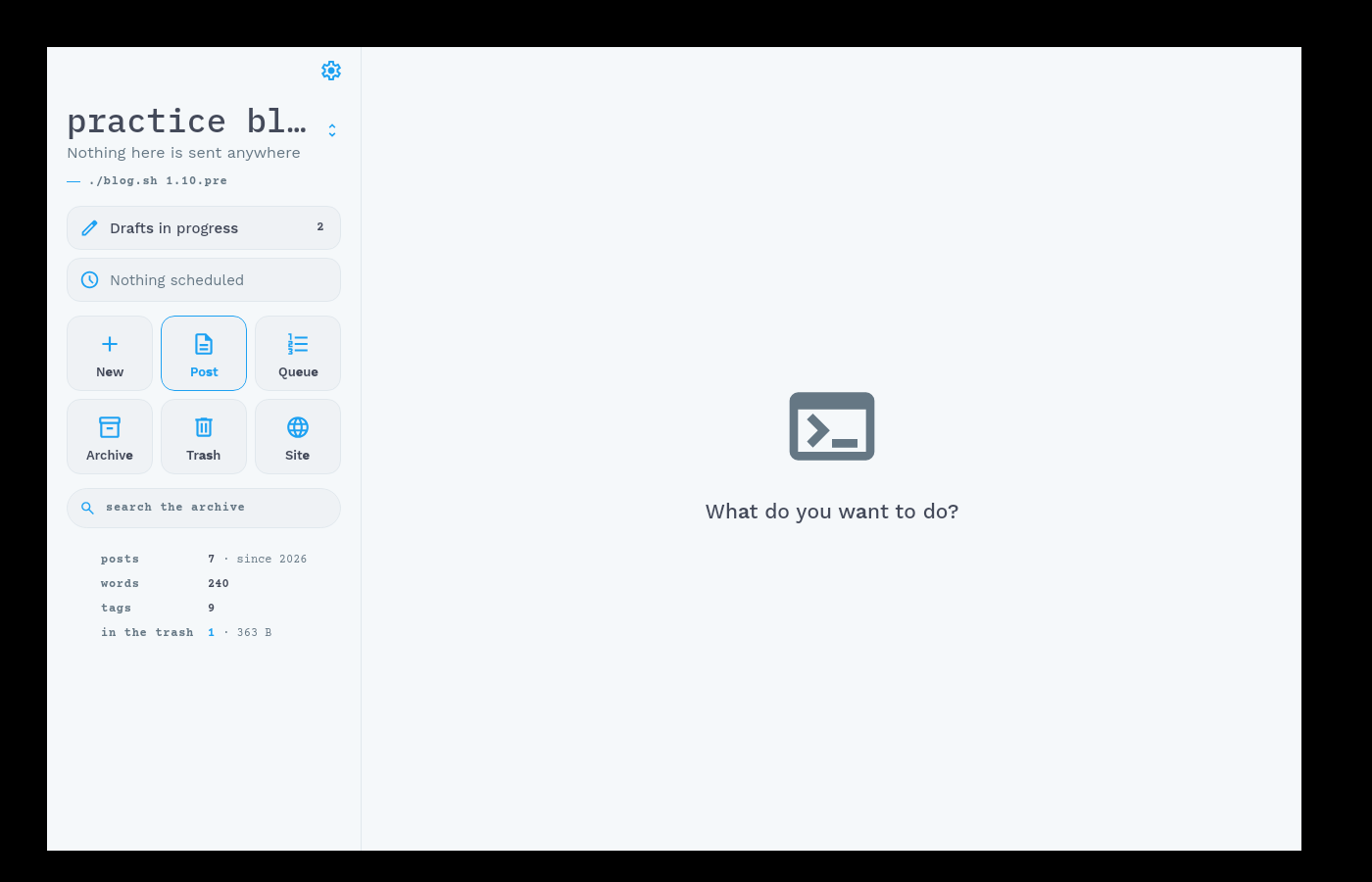
iPhone, iPad and Mac have the app done, one universal app for all three, and the screenshots above are from it. It is not in the App Store or in TestFlight yet, though. It can only be released with a paid Apple developer account, and that one is paid for, but its approval has been dragging on for several weeks. As soon as Apple approves it, the app comes out. It will need iOS or iPadOS 26, and on a Mac an Apple chip.
Until then an iPhone writes through an SSH client in a terminal, as it did before there was a /write/ page. The procedure is in the engine's documentation, under Writing from a phone.
The terminal stays the place to automate and to repair. The apps are where you write, decide and publish.
Comments